Free AI Kitchen Design Tool
Upload a kitchen photo, pick a direction and get a photorealistic redesign in under a minute. Three designs every day, no signup — a free account adds history, Pro and credits.
The daily free designs run on the Basic model — Pro unlocks after you sign up.
No photo = we invent a generic kitchen — add yours above to redesign your real room
3 free designs every day — no signup, no credit card
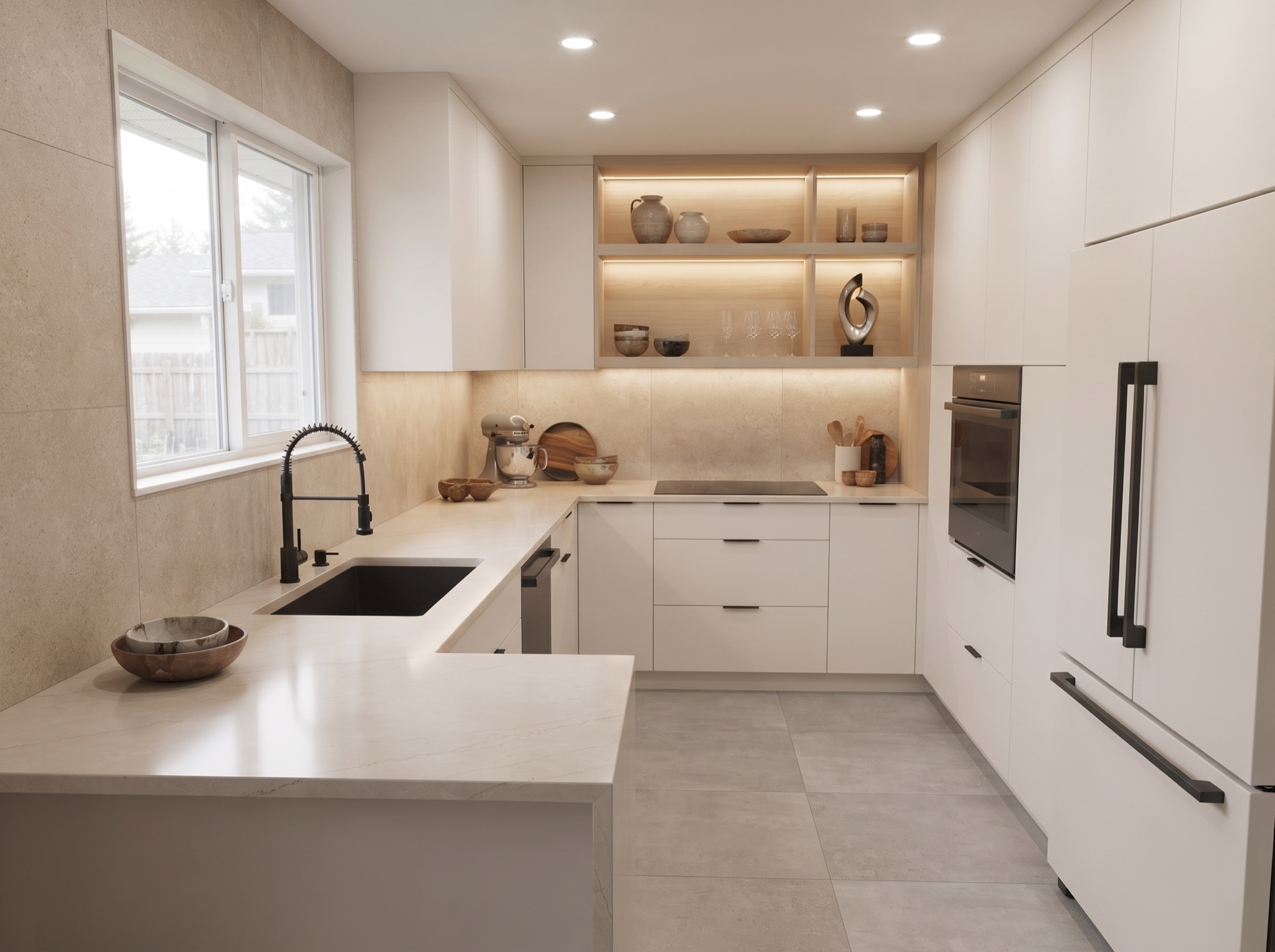
Add a photo on the left and your new kitchen lands here — pick a preset style or describe your own.
Planning a full kitchen remodel, or just wondering about new cabinets and a fresh color scheme? The tool keeps your walls, windows and doorway exactly where they are, so every result is a look you can actually build. Browse finished examples first on the kitchen design styles page.
How the Kitchen Design Tool Works
From snapshot to finished concept in about a minute — here is exactly what happens between your upload and the image you save.
Start with one clear photo
A straight-on shot in daylight gives the sharpest reading, but the tool is not fussy — everyday angles and a little clutter are fine. Take the picture on your phone and drop it straight into the upload box.
Choose a style, then add wishes
Ten looks are built in, from airy Scandinavian to warm Rustic. Underneath, an optional wishes box takes specifics like “brushed brass handles” or “lose the upper cabinets” and works them into the redesign.
Generate and compare
Each run finishes in under a minute and re-dresses your actual room — the walls, windows and footprint stay exactly where they are. Run the same photo through several styles and line the results up side by side.
Save and share
Found the one? A free account unlocks full-file downloads and a history that follows you to any device, ready to show a partner or a contractor. No account yet? Keep generating above in the meantime.
What You Can Redesign
One upload covers every direction — start with a whole-room style, or zoom straight in on the single element you are replacing.
Modern Kitchen Design
Handleless fronts, stone waterfall edges and a calm, contemporary palette.
Farmhouse Kitchen Design
Shaker doors, an apron sink and warm wood tones over clean white walls.
Small Kitchen Design
Colour, lighting and storage choices that help a compact kitchen breathe.
AI Kitchen Cabinet Design
New door styles and colours on your existing cabinet run — layout untouched.
AI Kitchen Backsplash Design
Preview tile patterns and materials behind the counter before buying a single sheet.
AI Kitchen Island Design
Test whether an island fits your floor plan — and how it changes the flow.
Kitchen Design Tool FAQ
The practical questions people ask before their first generation — photo quality, daily limits, the Pro model and what happens to your upload.
What kind of photo should I upload?
How many designs can I generate per day?
What is the difference between the Basic and Pro models?
Can I redesign just one element, like my cabinets?
What happens to the photo I upload?
New here? The AI kitchen design homepage walks through the whole idea in one screen, and every question about plans and credits is answered on the pricing page.