AI Kitchen Cabinet Design
Cabinets are most of what you see in a kitchen and most of what you spend on it. Choosing their door style and color from a render of your own room is the cheapest de-risking available.
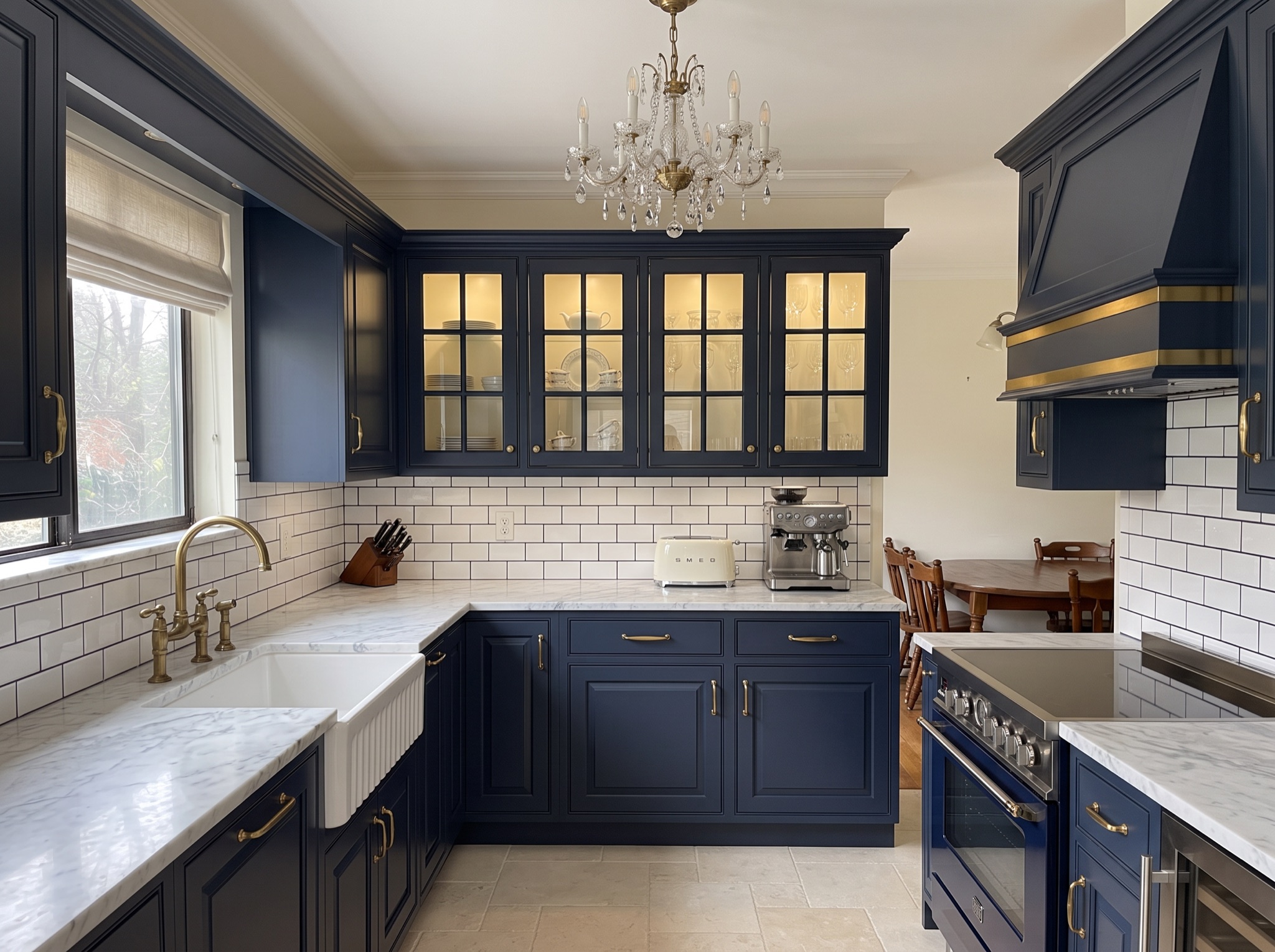 After
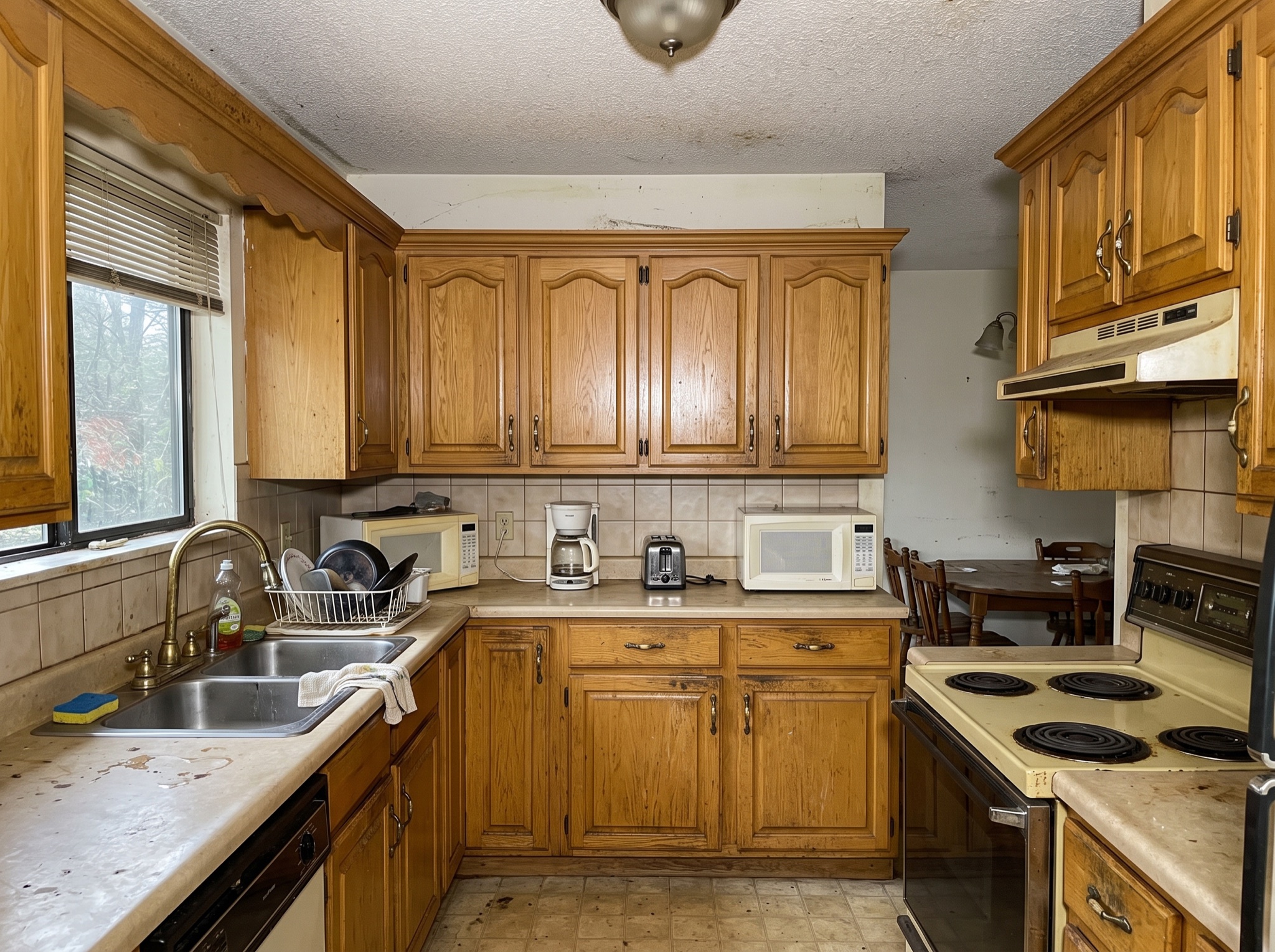 Before
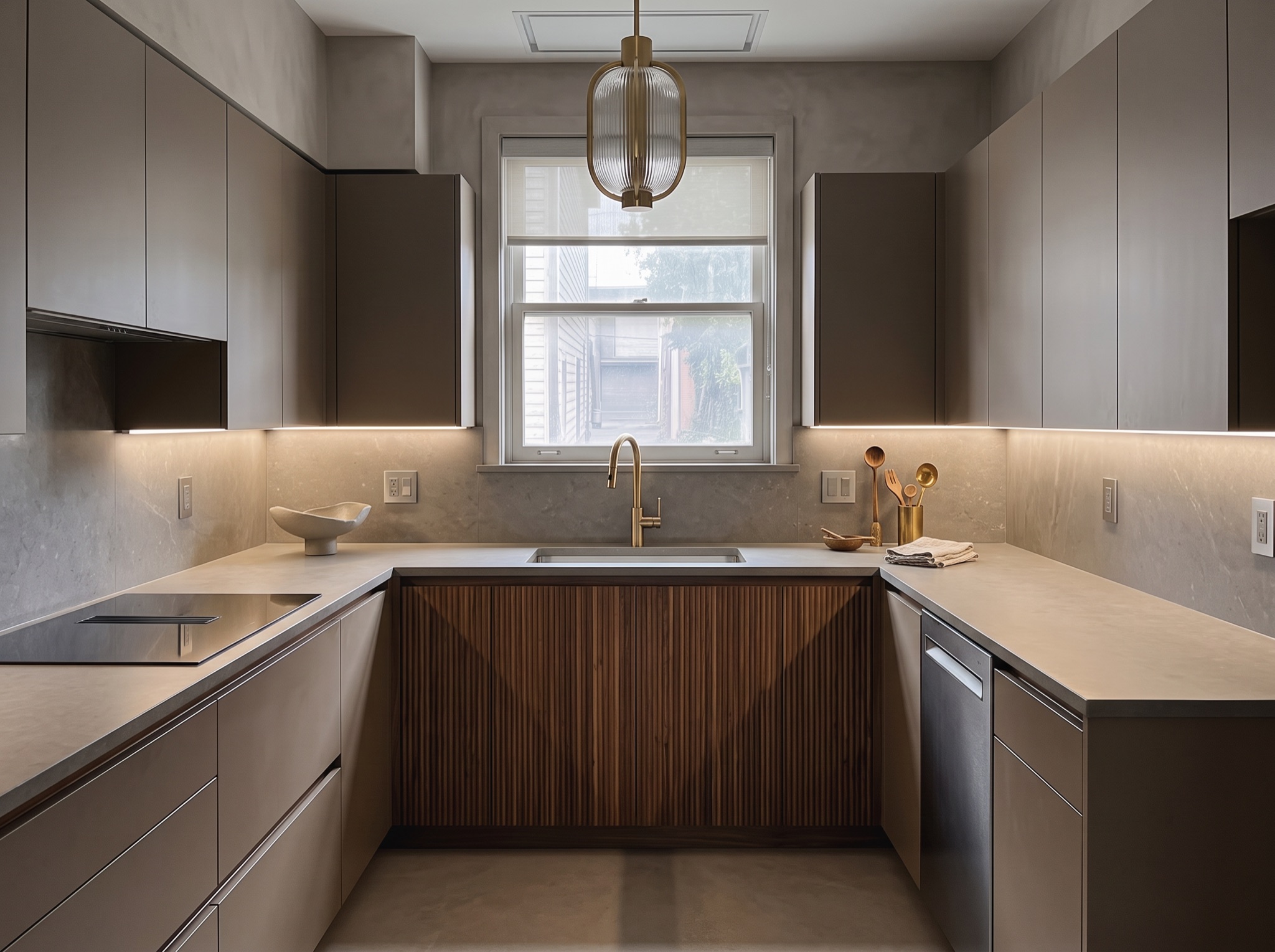 After
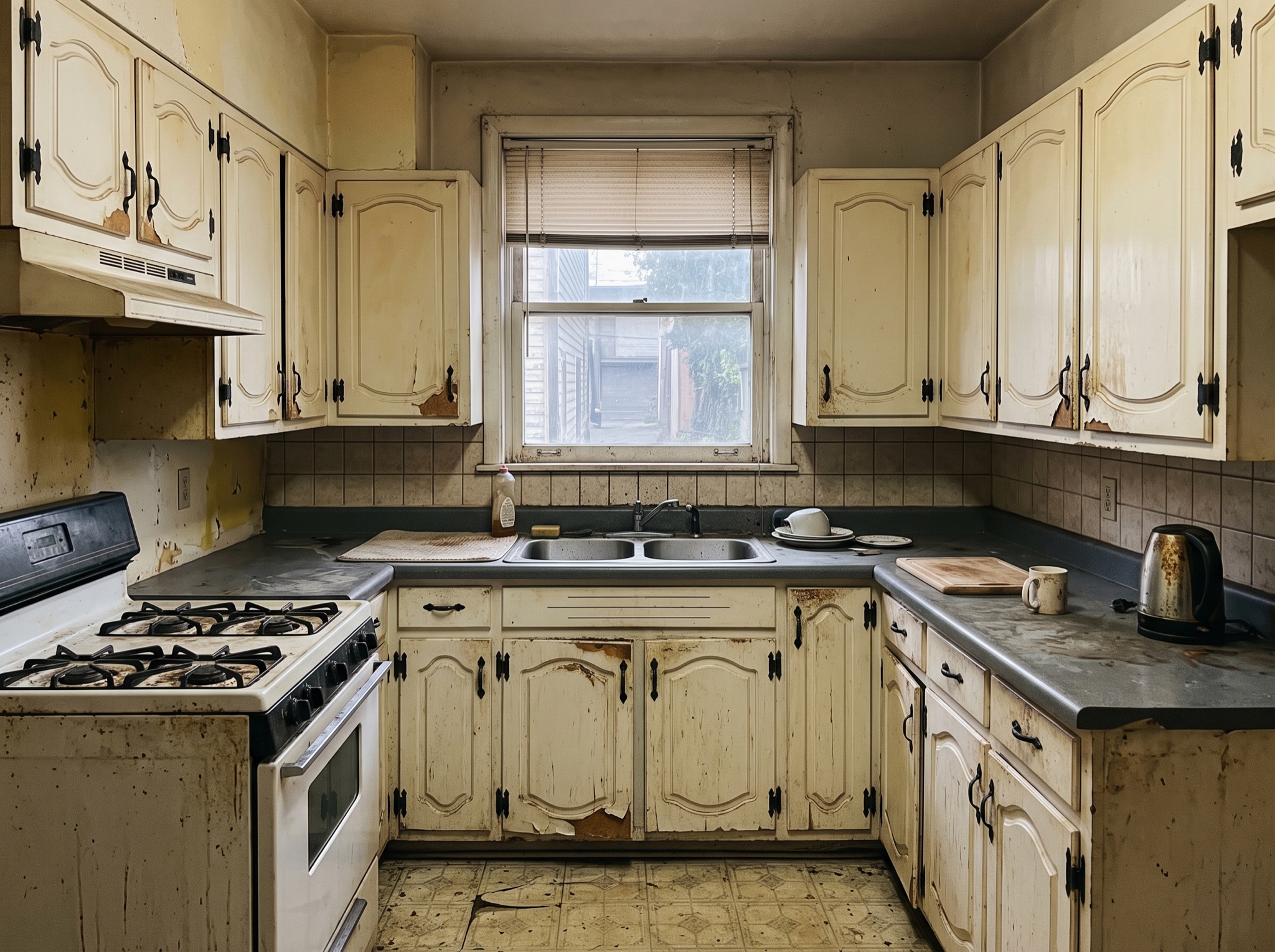 Before
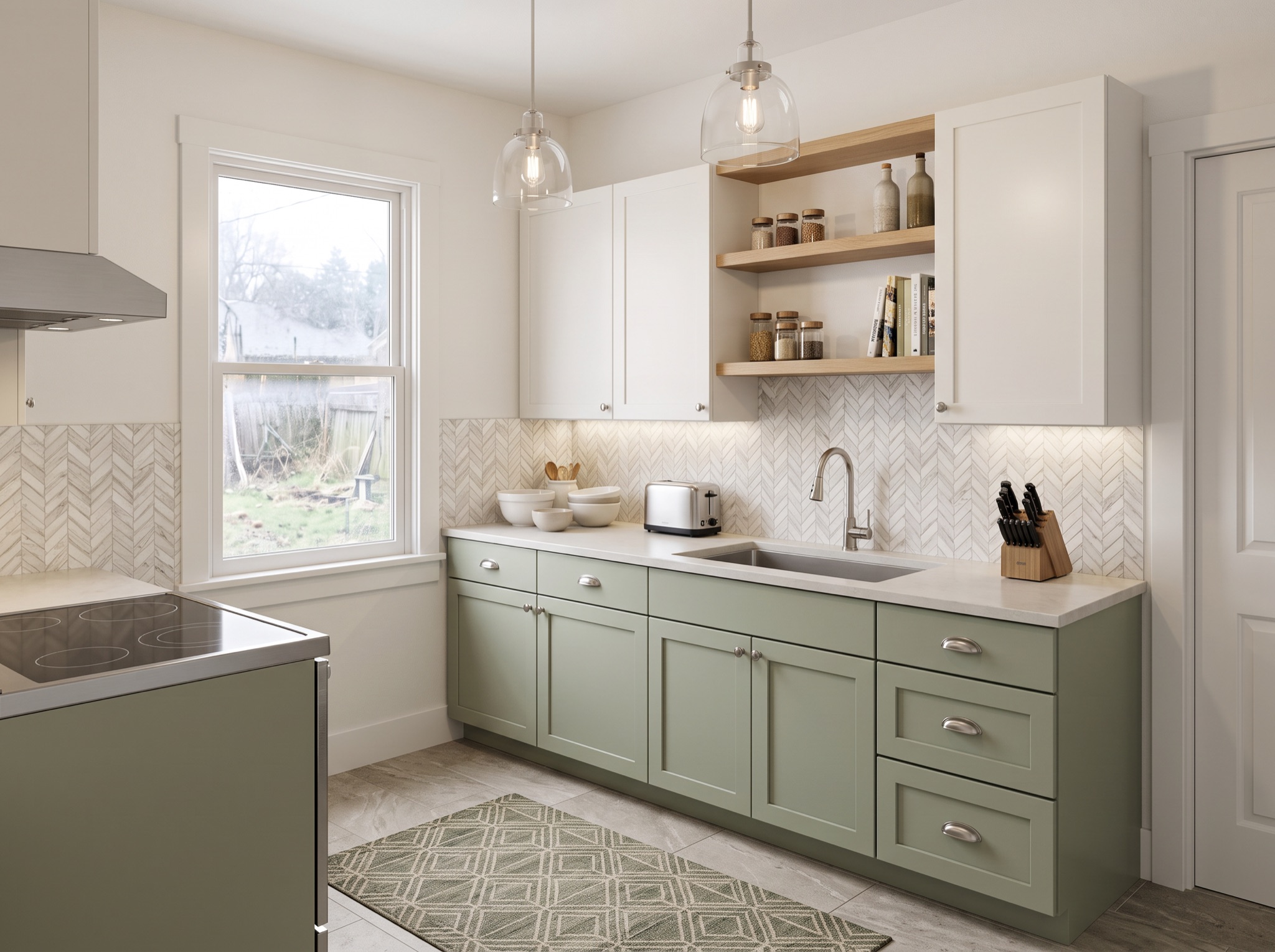 After
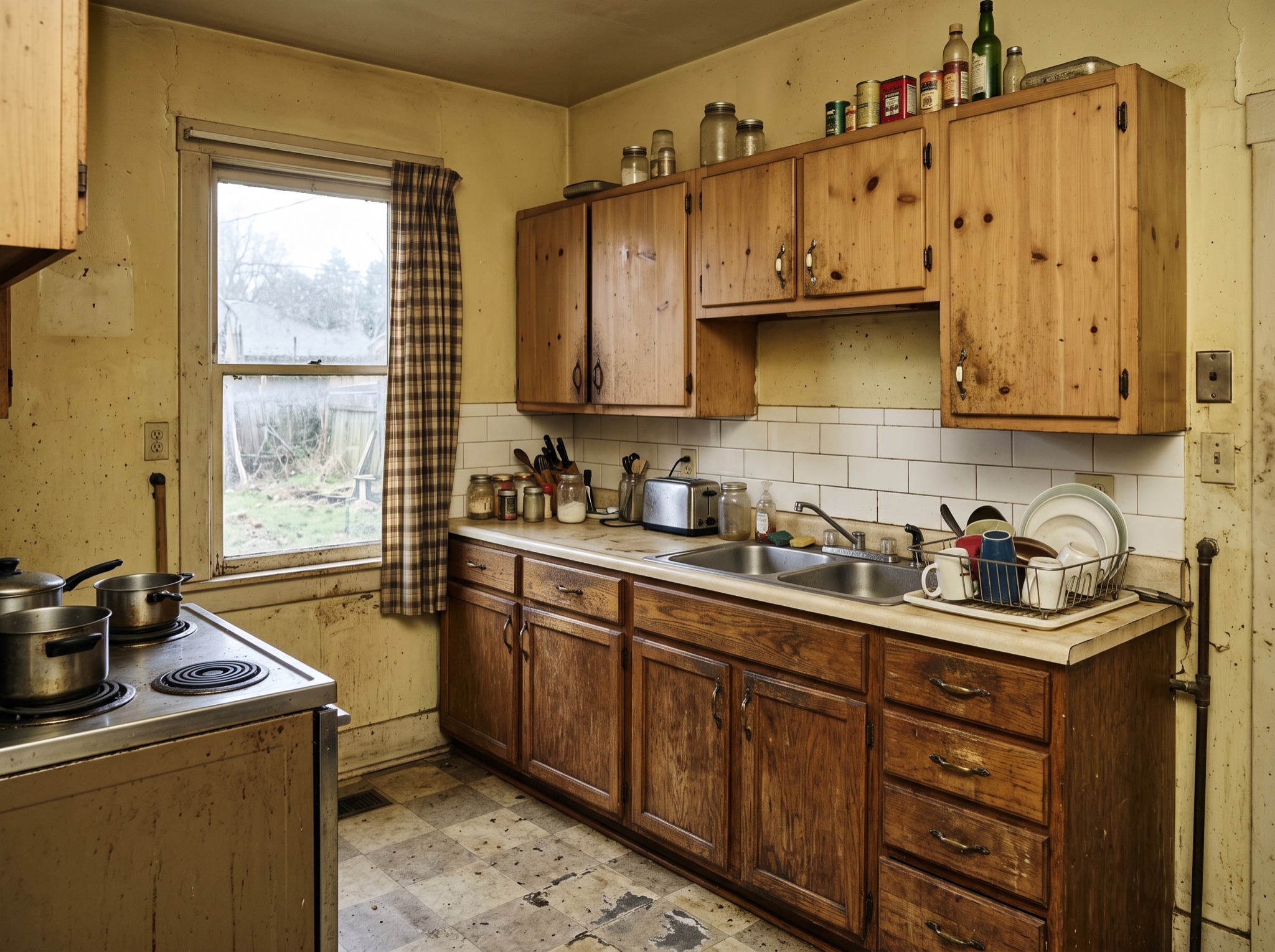 Before
Door Styles, Colors and Hardware
Every cabinet era leaves fingerprints: arched soffits and oak in the nineties, puffy raised thermofoil in the two-thousands. The AI swaps any of them for shaker, flat-panel or beaded-inset fronts and recolors the run in a single pass — navy below with white above, warm walnut throughout, sage set against brass. Hardware shifts the reading too: a bar pull reads contemporary, a knob reads classic, and no hardware at all reads thoroughly modern. It is the fastest full-room makeover a kitchen can get.
Reface or Replace? Render First
If your boxes are sound, refacing keeps the budget free for counters and flooring; if the layout itself fights you, replacement is the honest route. A generated image of the finished look prices both paths more credibly than any brochure, and it hands a refacer or cabinet maker an exact target to quote against. Most people render three colors, eliminate two within a minute, and renovate with far more conviction than they started with.
Pair the new fronts with a full-room look on the Kitchen Design Styles page — one-time packs from $2.99, no account needed.
See New Cabinets on Your Photo