AI Kitchen Design: Upload a Photo, Get Your Dream Kitchen
Pick a style, watch your own kitchen transform — cabinets, counters and colors reimagined in seconds. Runs in your browser, start free.
The daily free designs run on the Basic model — Pro unlocks after you sign up.
No photo = we invent a generic kitchen — add yours above to redesign your real room
3 free designs every day — no signup, no credit card
Add a photo on the left and your new kitchen lands here — pick a preset style or describe your own.
Upload a photo of your kitchen → Choose a style → Get your AI design in seconds
Kitchen Styles
Whole-room looks, each one a different personality for the same four walls. Preview any of them on your own photo, or open a page below to see real before-and-after examples first.
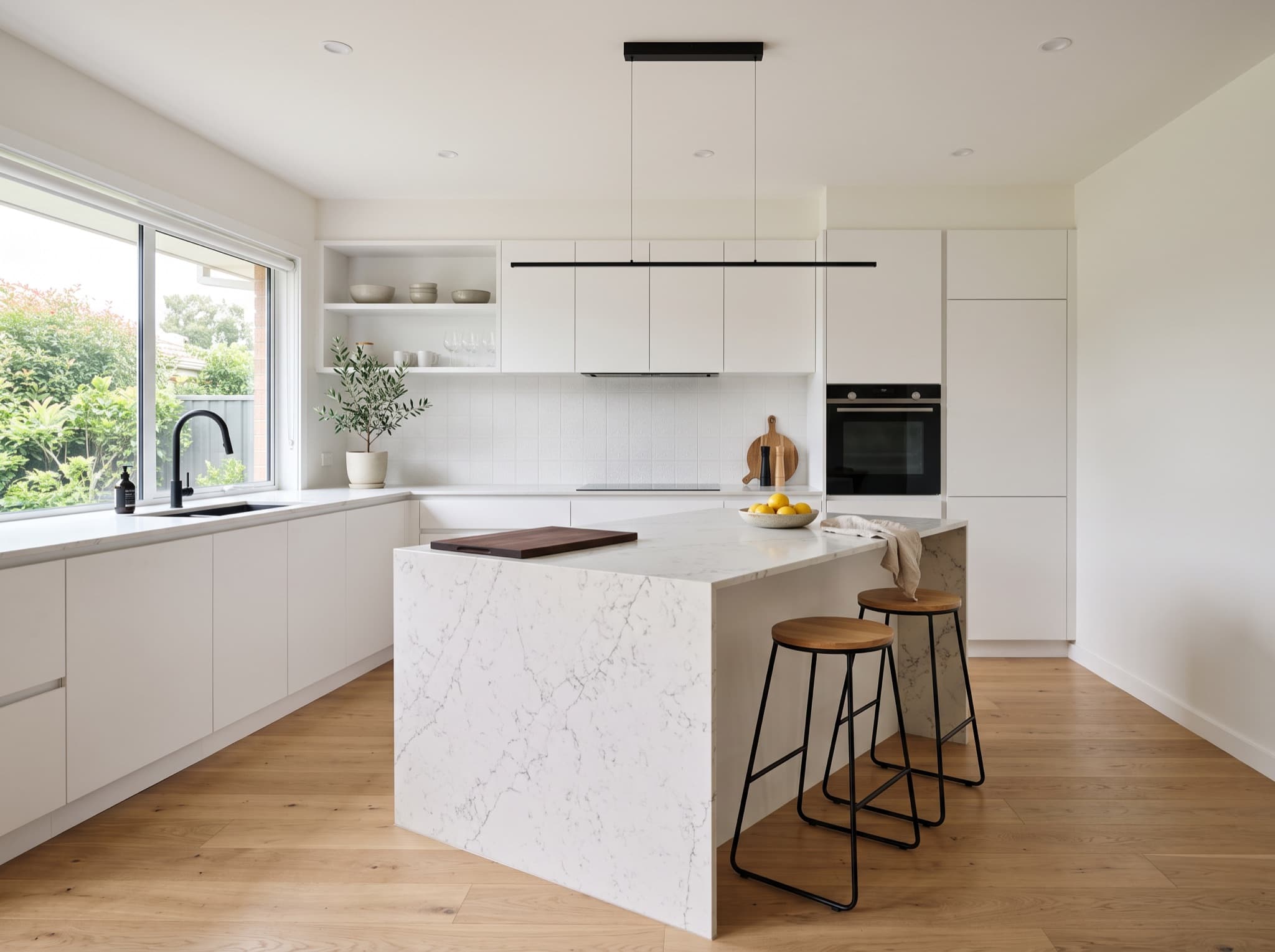
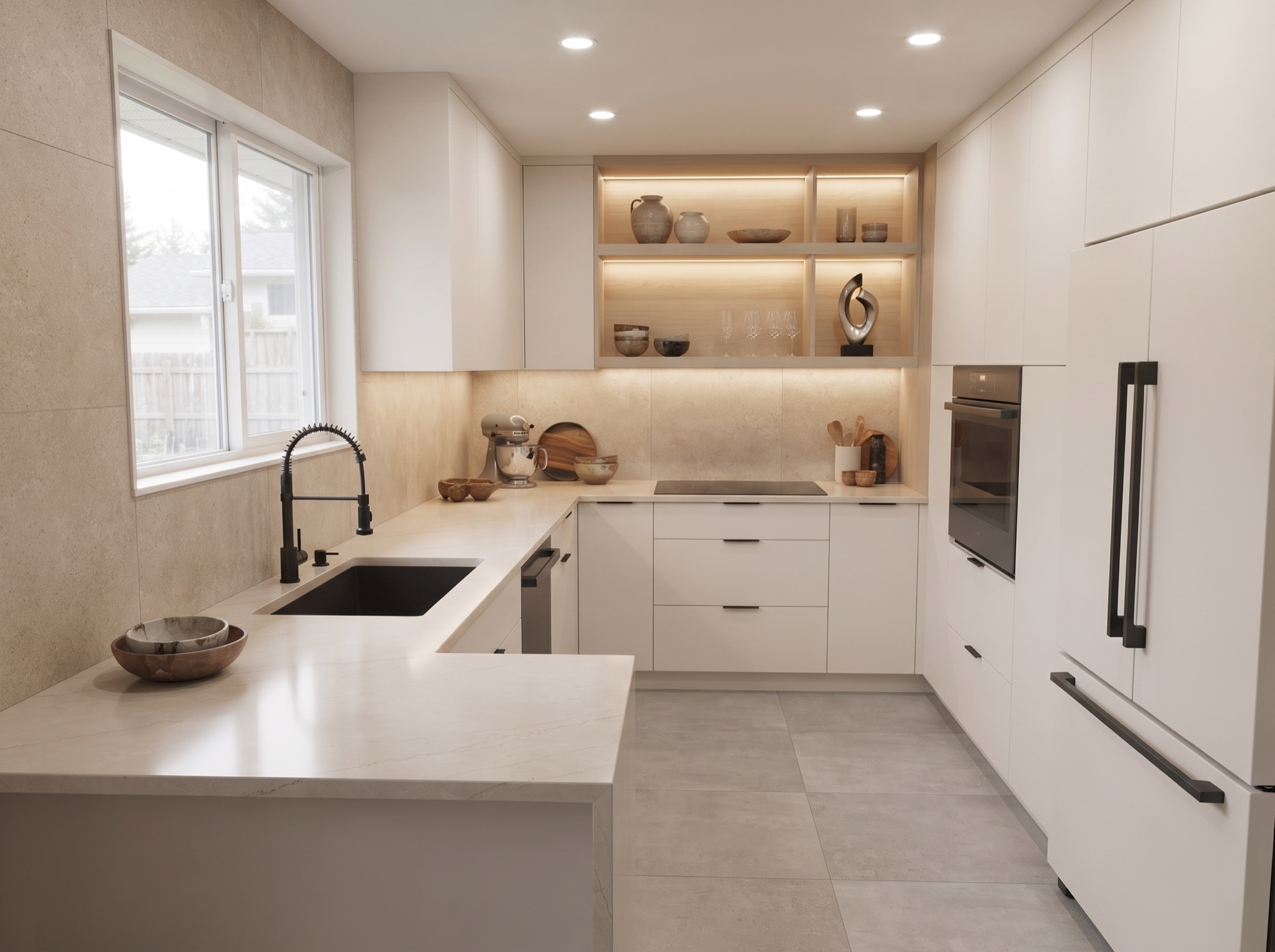
Modern Kitchen Design AI
Sleek handleless cabinets, a quartz waterfall island and matte black taps — see a crisp contemporary look layered onto your own kitchen in one click.
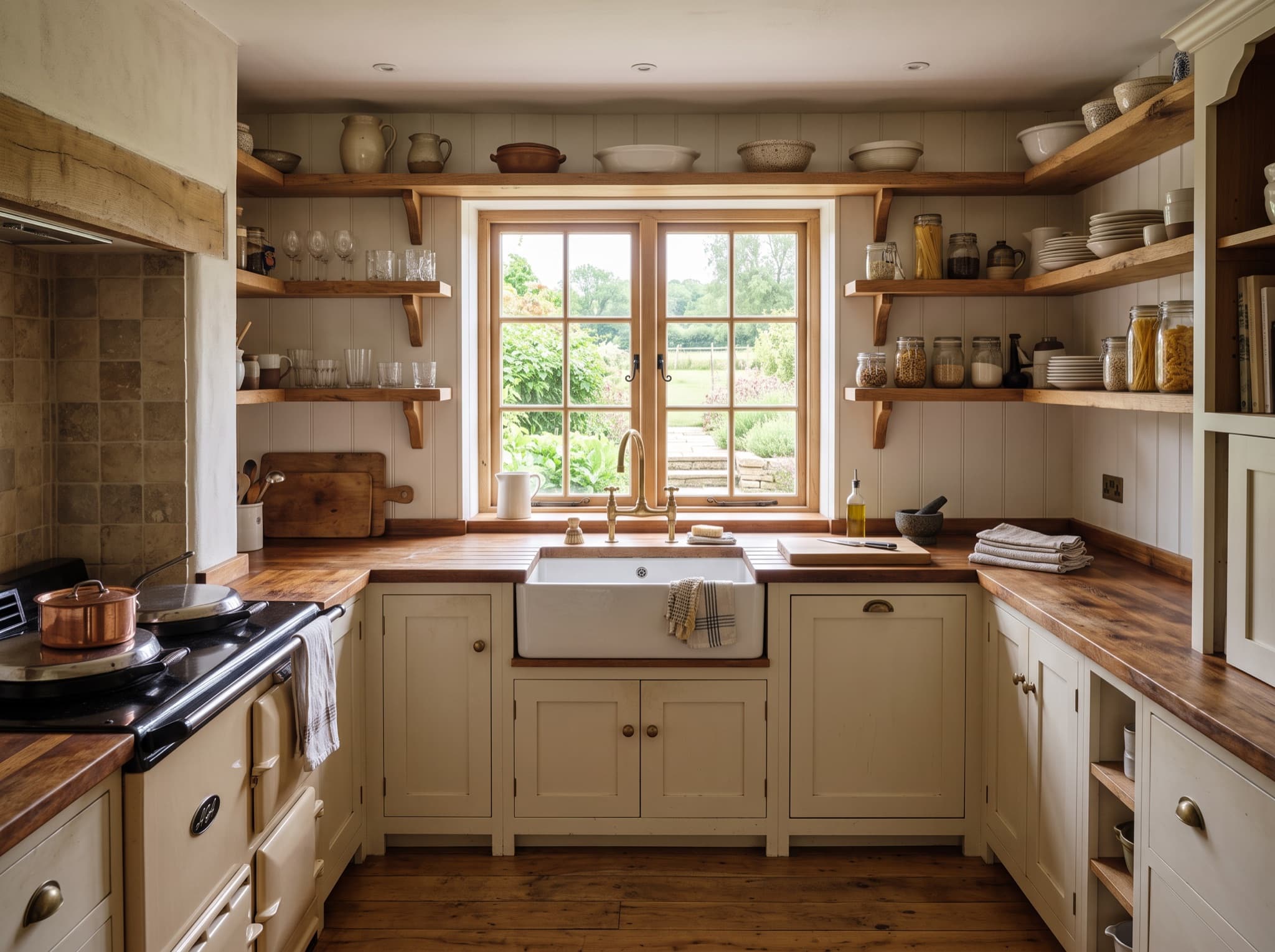
Farmhouse Kitchen Design AI
Butcher-block counters, a classic apron sink and open oak shelving give this warm, gathered-around look its timeless country character.
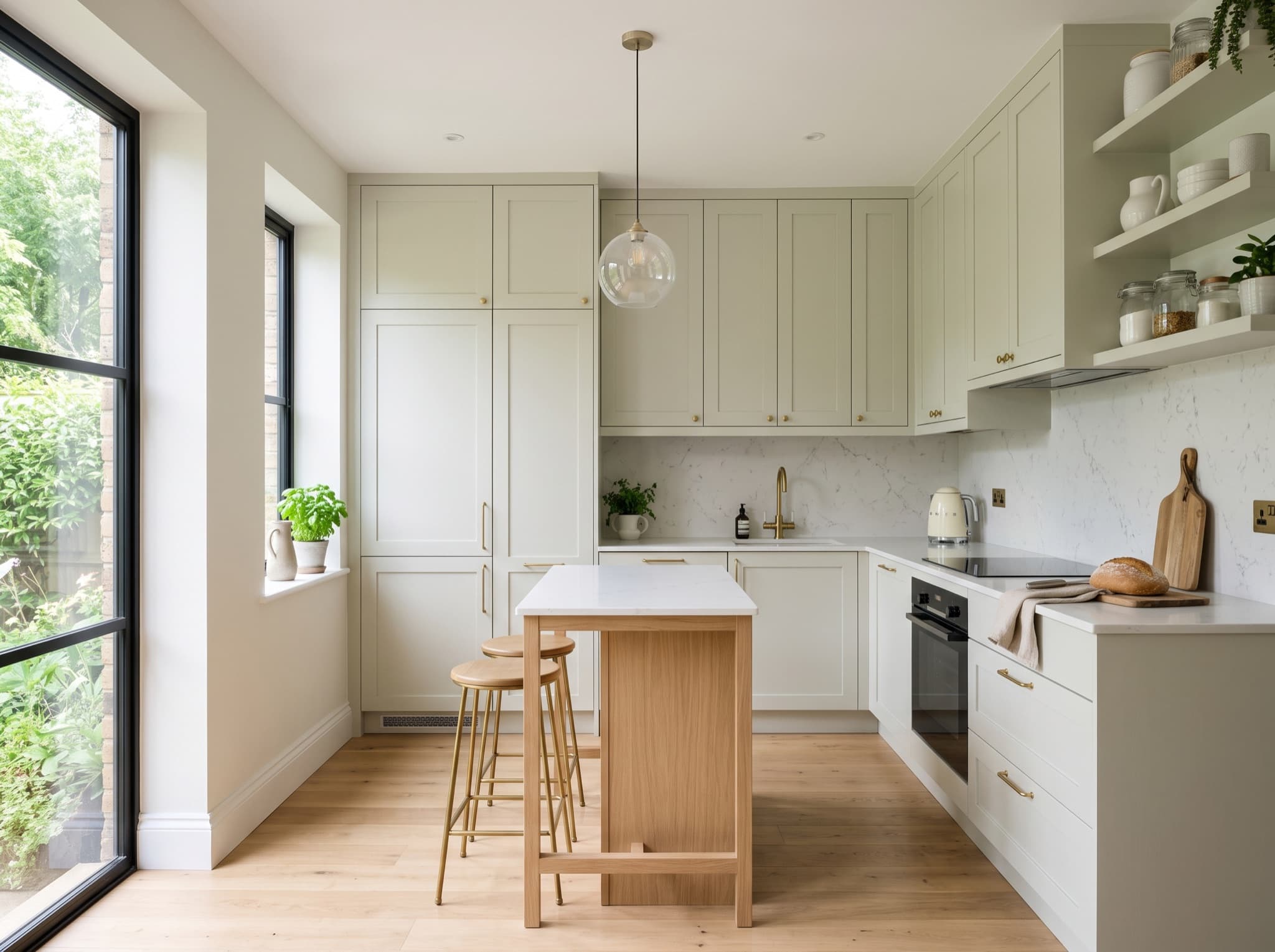
Small Kitchen Design AI
Clever storage, light-reflecting surfaces and a slim island prove a compact footprint can still feel bright, roomy and fully equipped.
Kitchen Elements
Renovating one piece at a time? These focused tools zoom in on the part you are actually replacing — cabinets, backsplash or island — and show it inside your real kitchen.
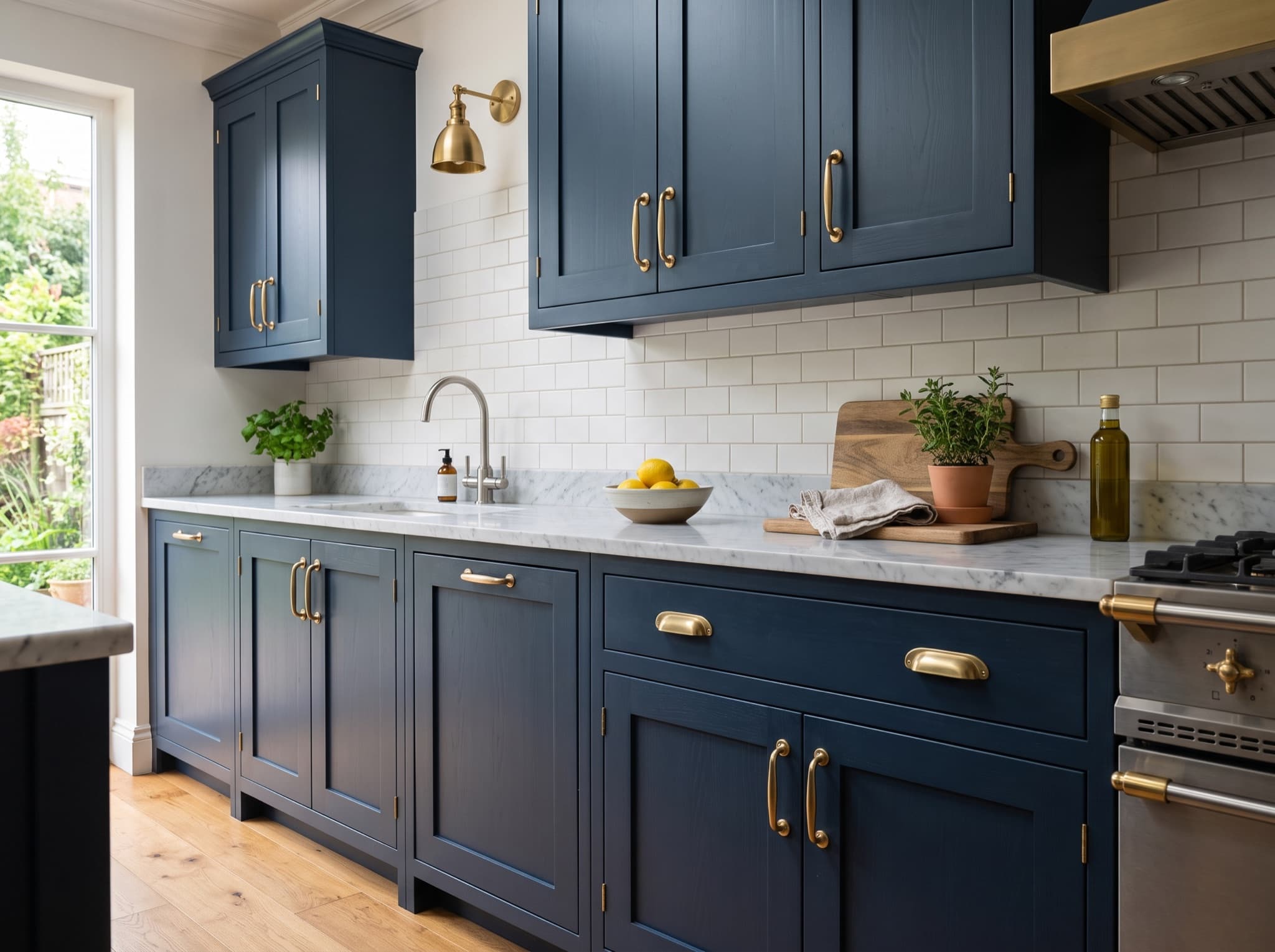
AI Kitchen Cabinet Design
Swap dated boxes for shaker, slab or glass-front fronts and instantly change the personality of the whole room — doors, colors and hardware included.
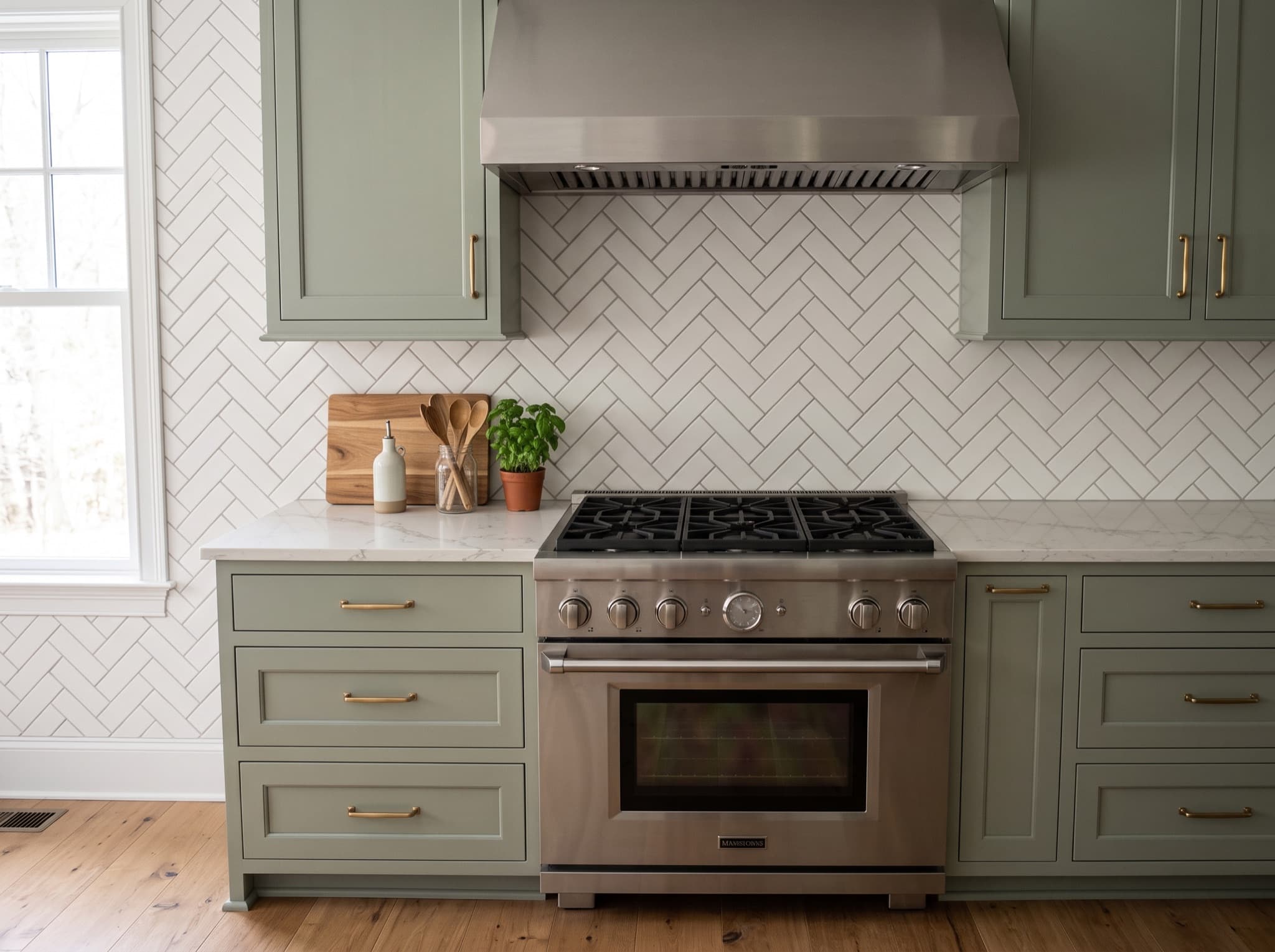
AI Kitchen Backsplash Ideas
Zellige, herringbone or full-height slab — preview how each backsplash sits behind your stove before you order a single tile sample.
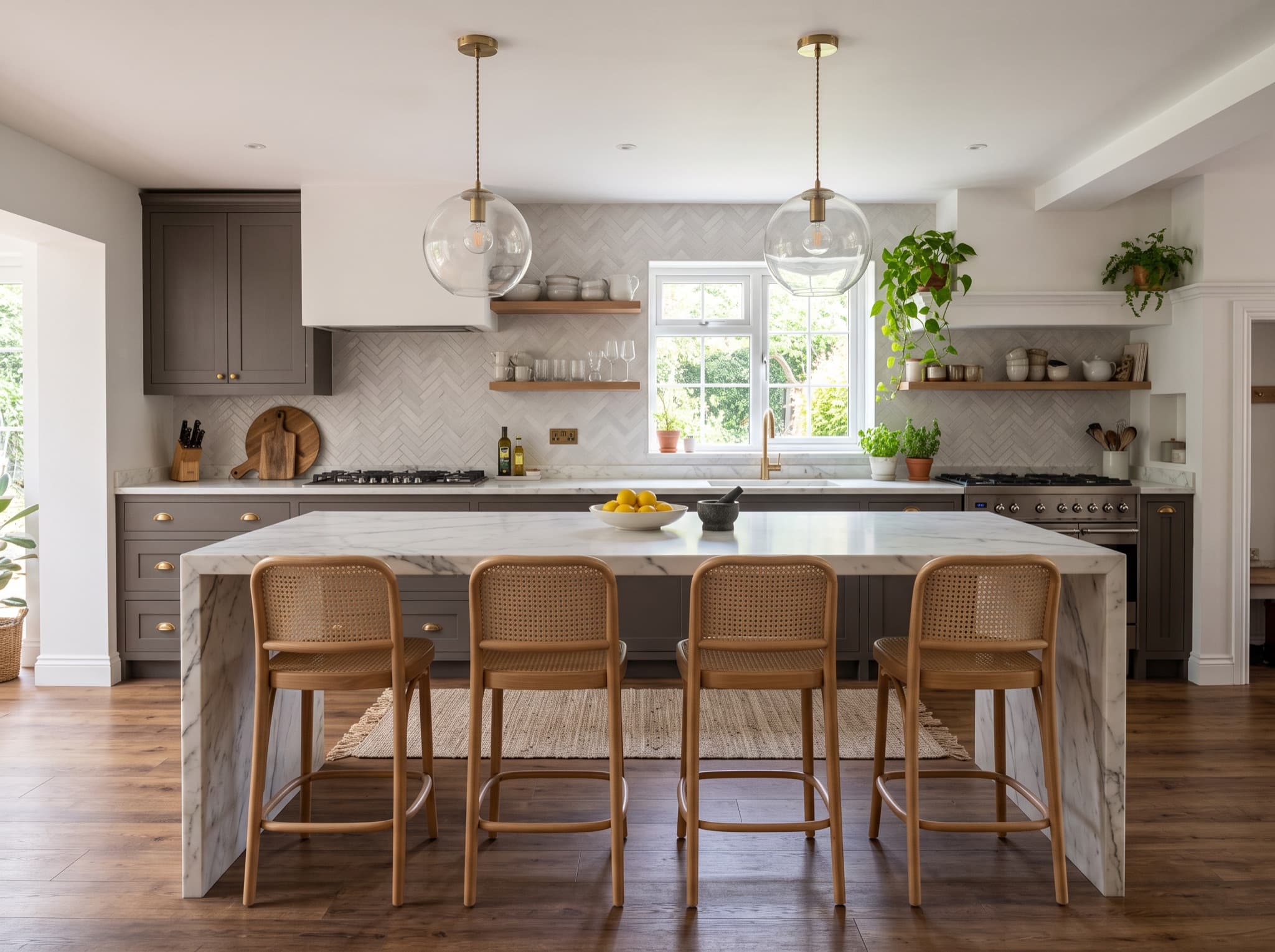
AI Kitchen Island Design
Test whether an island actually fits your floor plan, then style it with seating, pendants and a prep sink sized to your space.
How It Works
From the photo on your phone to a design you can act on — three steps, about a minute, and zero design experience required.
Step 1: Upload
Snap your kitchen from the doorway with your phone — no wide-angle tricks or tidy-up needed. One clear photo is all the AI needs to read your cabinets, counters and layout.
Step 2: Generate
Pick a style such as Modern or Farmhouse, add optional wishes like "white cabinets", and the AI re-dresses your exact room in seconds. Walls, windows and doorways stay put.
Step 3: Download
Save the design you love, then compare it against other styles side by side. Share the image with your family or contractor to kick off the conversation.
AI Kitchen Design FAQ
The questions first-time visitors ask most — what it costs, whether an account is needed, which devices work, and how true the results stay to your real kitchen.
Is this AI kitchen design tool really free?
Do I need to sign up or log in to use it?
Is there an AI kitchen design app to install?
Will the designs actually look like my own kitchen?
Ready to See Your Dream Kitchen?
Three free designs every day, no signup and never a credit card — a free account adds your design history and the Pro model. Want a deeper dive first? Open the free AI kitchen design tool with every style unlocked, or browse the kitchen design styles guides first.
Upload Your Kitchen Photo