AI Kitchen Countertop Design
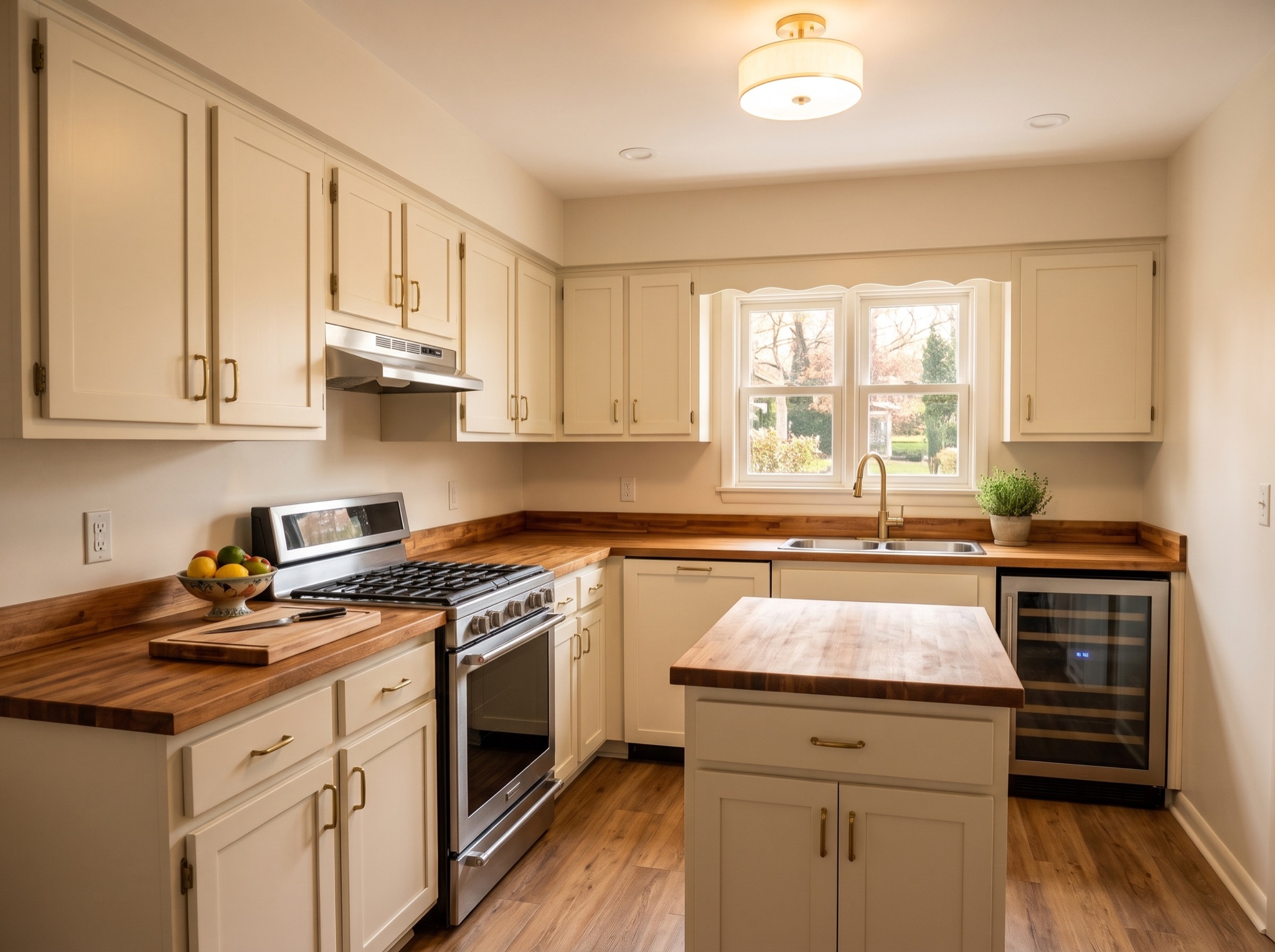
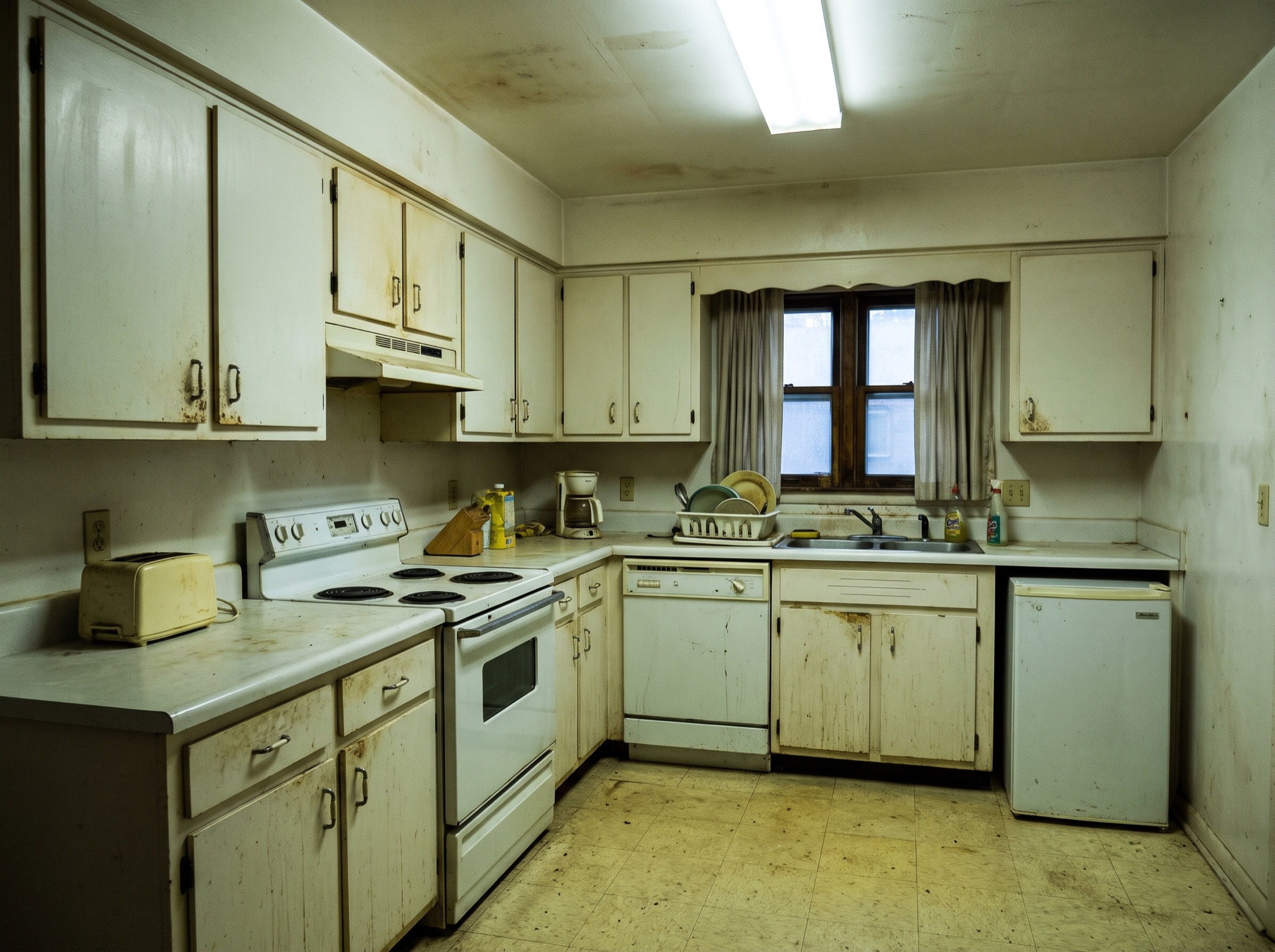
The counter is the surface you touch every day and the mistake that is hardest to undo — stone gets templated, cut and seamed to your exact cabinets. Seeing quartz, granite or butcher block rendered on your own run turns a guess into a decision.
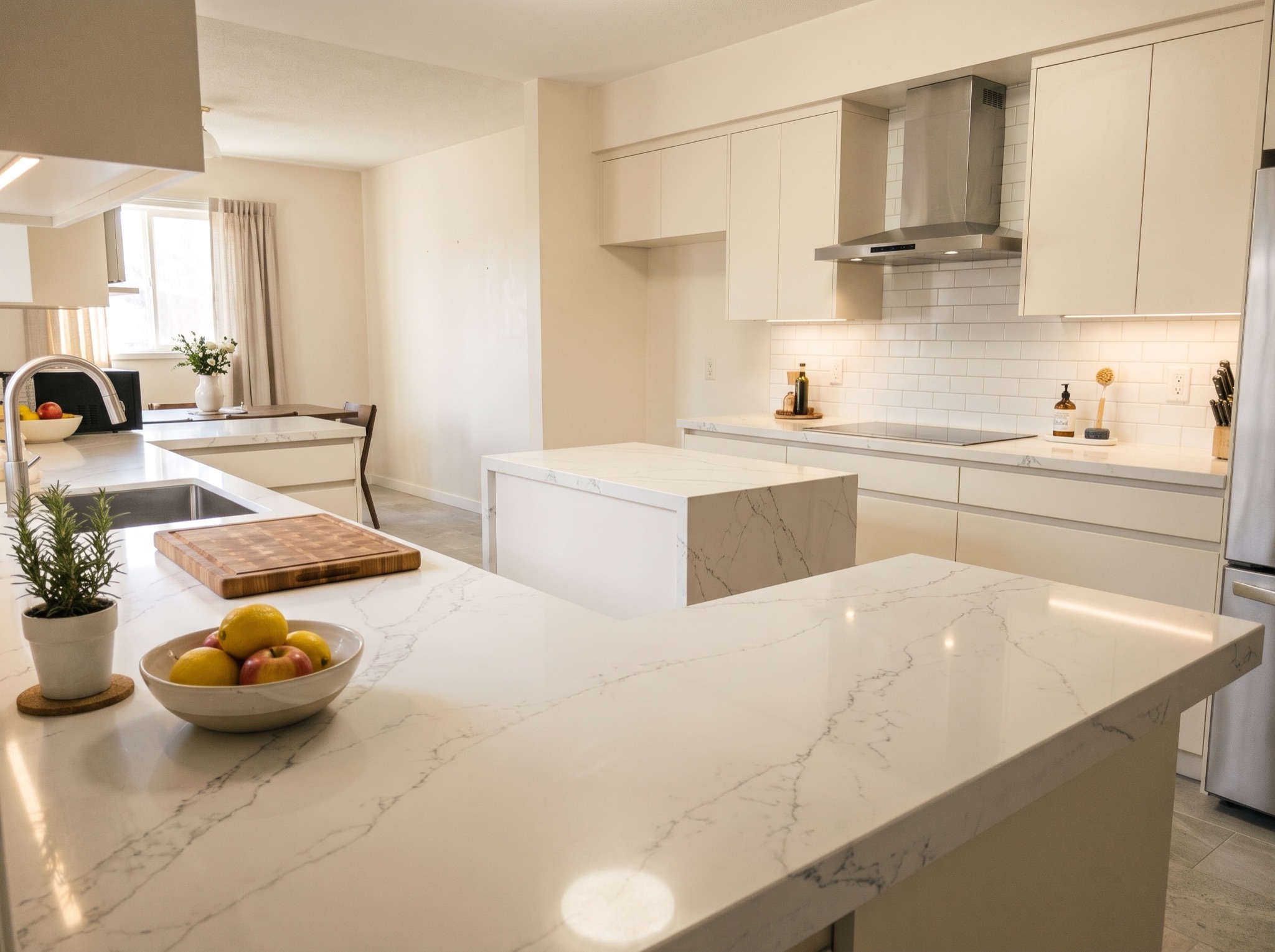 After
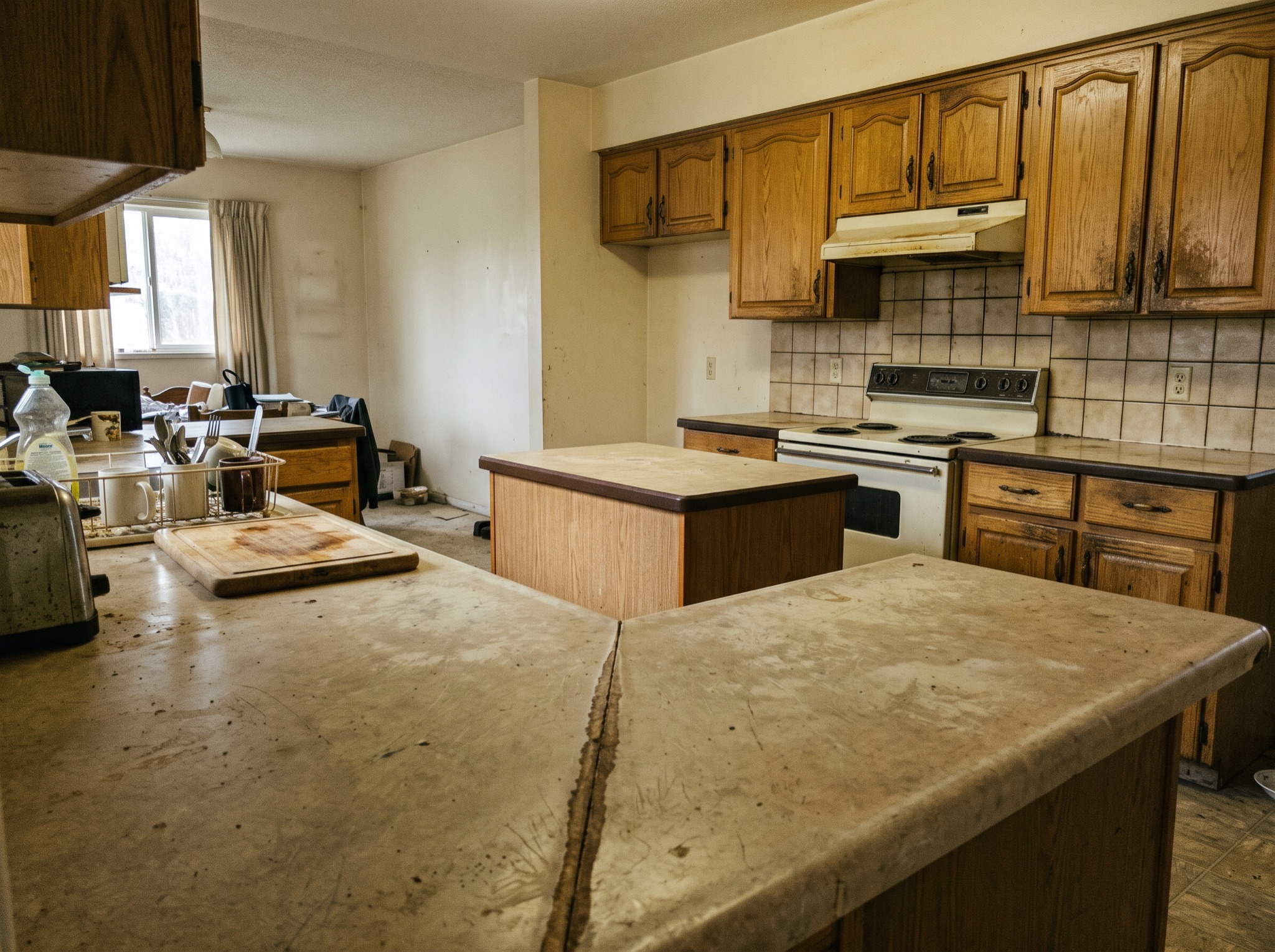 Before
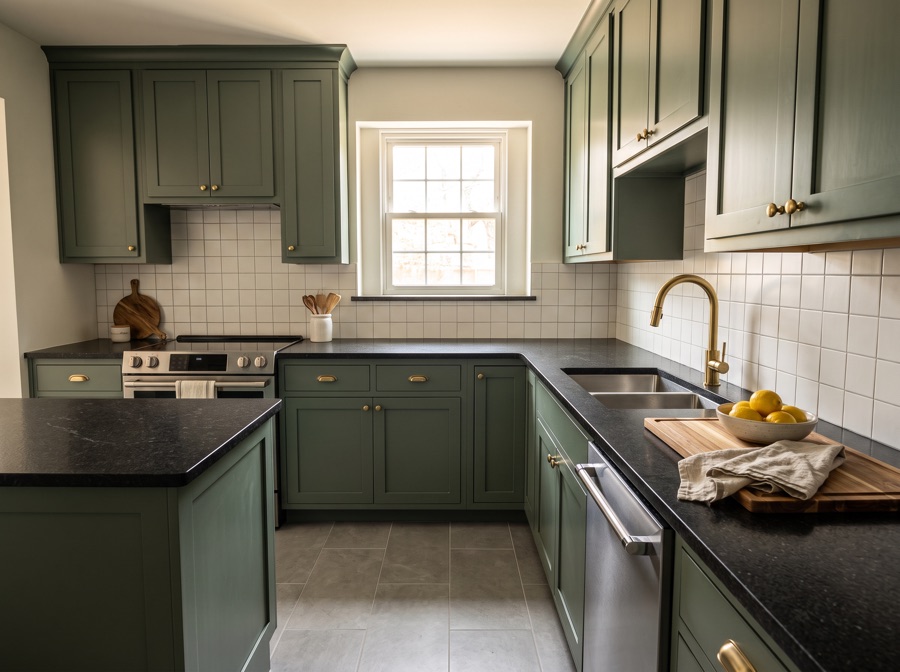 After
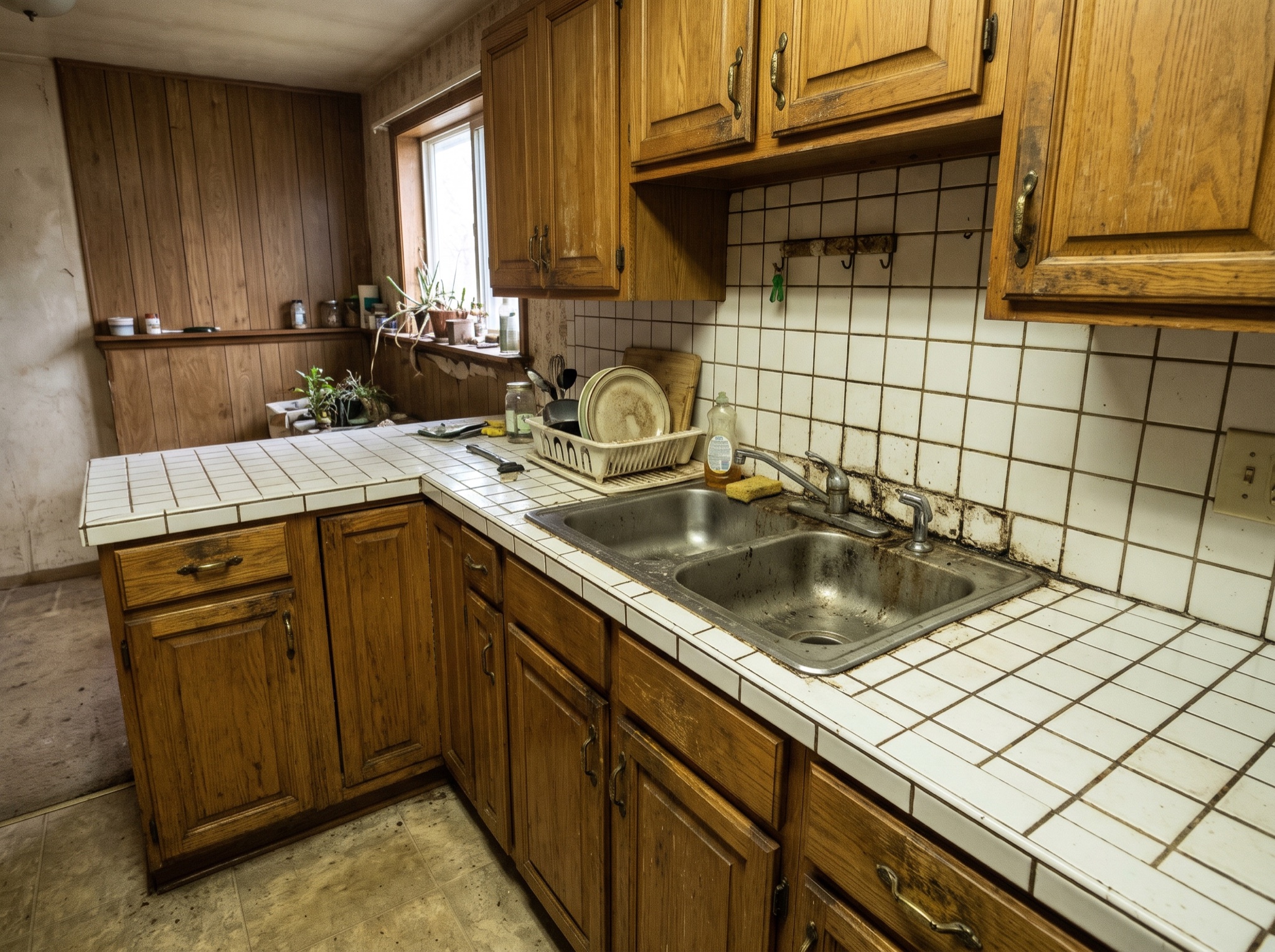 Before
 After
 Before
Quartz, Granite or Butcher Block
Each material earns its place differently. Quartz is engineered — non-porous, never needing a sealer, with patterning that stays exactly as the sample promised. Granite is the natural slab: one-of-a-kind veining, indifferent to hot pans, but it wants a yearly coat of sealer to shrug off oil and wine. Butcher block brings the warmth stone cannot — soft on edges, kind to knives and dropped mugs, at the cost of regular oiling and a healthy respect for water around the sink.
Then the details that carry as much weight as the stone itself. A light quartz bounces daylight around a small room and makes it read larger; a honed black granite grounds a bright kitchen and forgives a lifetime of coffee rings. Edge profiles set the tone — eased for minimal, waterfall for a statement end, ogee where the room leans traditional. And veining scale is the classic ambush: a pattern that reads airy on a hand sample can shout across five running meters of counter. Every one of those judgments is safer made on a render of your own run than on a swatch in a showroom.
Decide Before the Templator Visits
Countertops are priced per slab, plus fabrication, plus every cutout — sink, cooktop, faucet — and the choice cascades: a new counter color quietly repaints the backsplash decision and sometimes the cabinets too. That is precisely why the composite view matters. Seeing calacatta quartz sitting on your existing oak doors answers questions no individual sample can, and it happens about a minute after you upload the photo.
The workflow is the same focused-element trick this site is built around: pick the nearest whole-room style, then put the material in the wishes box — “calacatta quartz counters with a waterfall edge, keep the cabinets” — and the change lands on the counters while the doors, walls and appliances hold still. Render two materials back to back, eliminate one immediately, and hand the survivor to your fabricator as the target. It is the cheapest de-risking a stone budget can buy.
Pair the stone with a full-room look on the Kitchen Design Styles page — one-time packs from $2.99, no account needed.
See New Counters on Your Photo